
Share this post
Just like the Publishing team constantly puts out new content, our Product team continuously rolls out new features. Some builds are requests and needs shared by school districts, admins, or teachers, and others are updates we decide on internally to complete during a six-week cycle. In addition to building and designing new features, our engineers and designers are constantly cleaning things up to make the platform as user-friendly as possible for learners and teachers.
We don't always get a chance to make formal announcements about all of our new releases, so if you're a subscriber, we hope you'll take a minute to review what's new!
No more password headaches: Key codes arrive
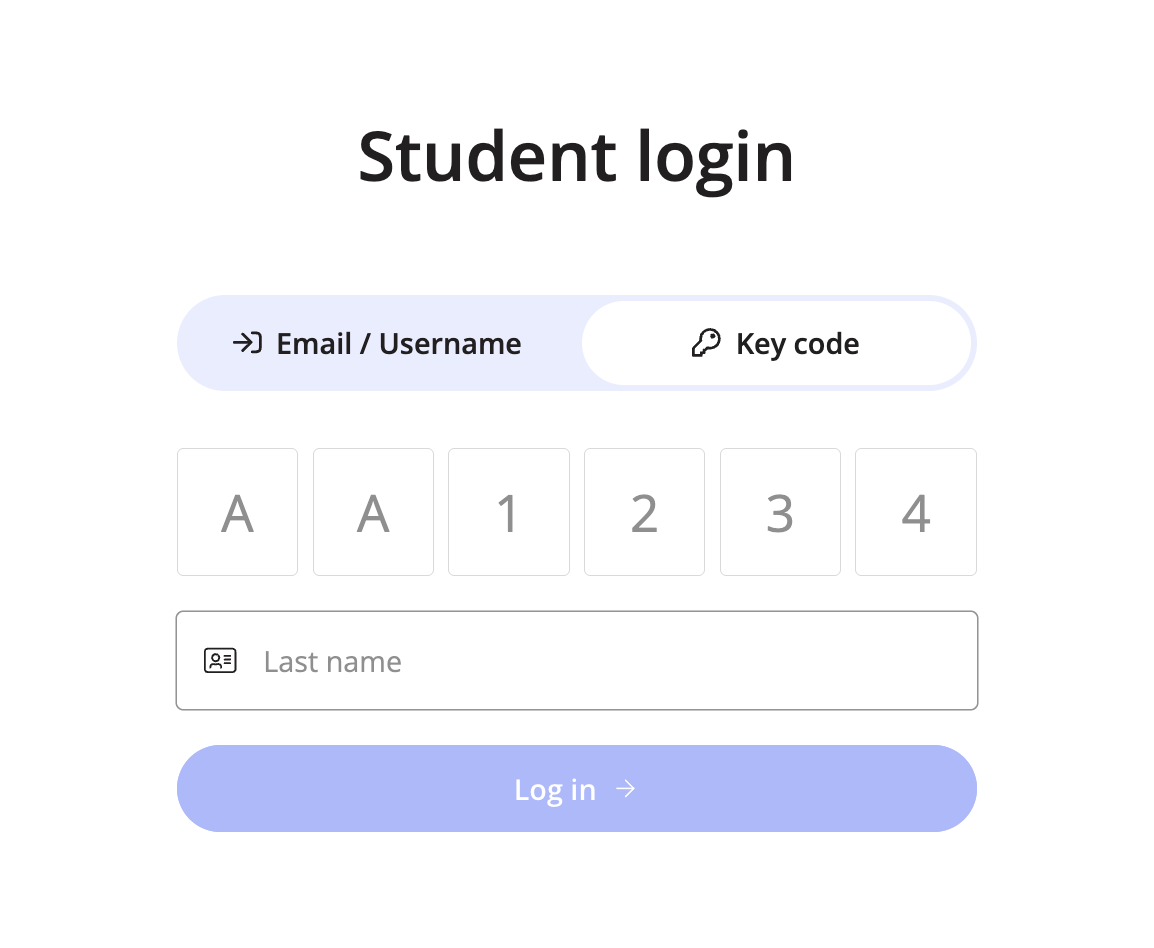
Logging in just got easier for students. When creating student accounts, teachers can now choose between traditional username + password or our new simpler option: key codes made up of six digits.
Students can log in using their key code + last name, making access quicker and more classroom-friendly.
And for even more efficiency, teachers can bulk create students via CSV upload.
Time reports reveal student effort
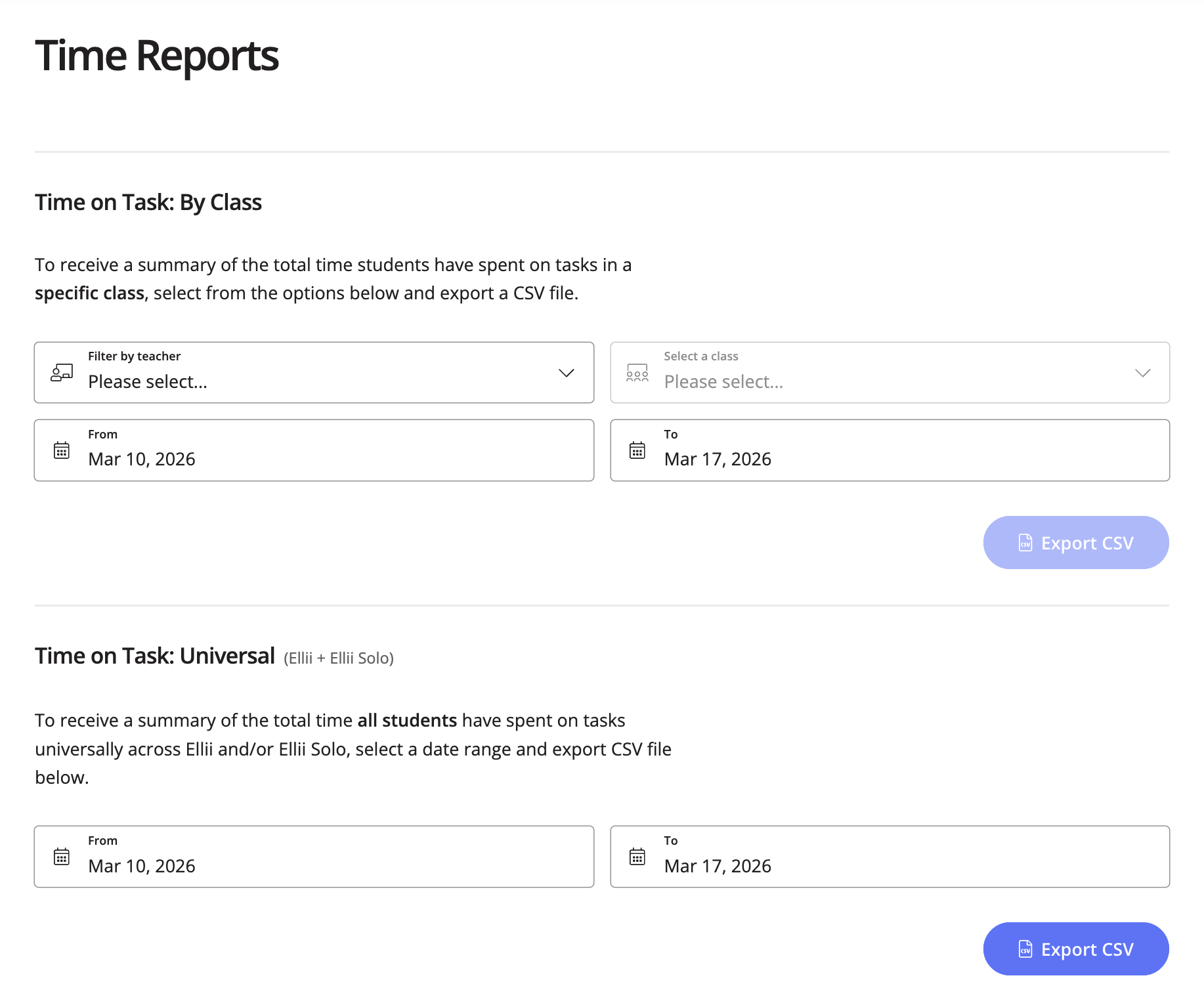
Curious how much time students are actually spending on tasks?
The new Time Reports feature gives teachers clear visibility into:
- Time spent by students within a specific class
- Total time spent across Ellii and Ellii Solo
Assessments get a major upgrade
Assessments just leveled up. We’ve brought more task types into the Assessment Player, including:
- Image Match
- Listen & Type
- Writing
- Speaking
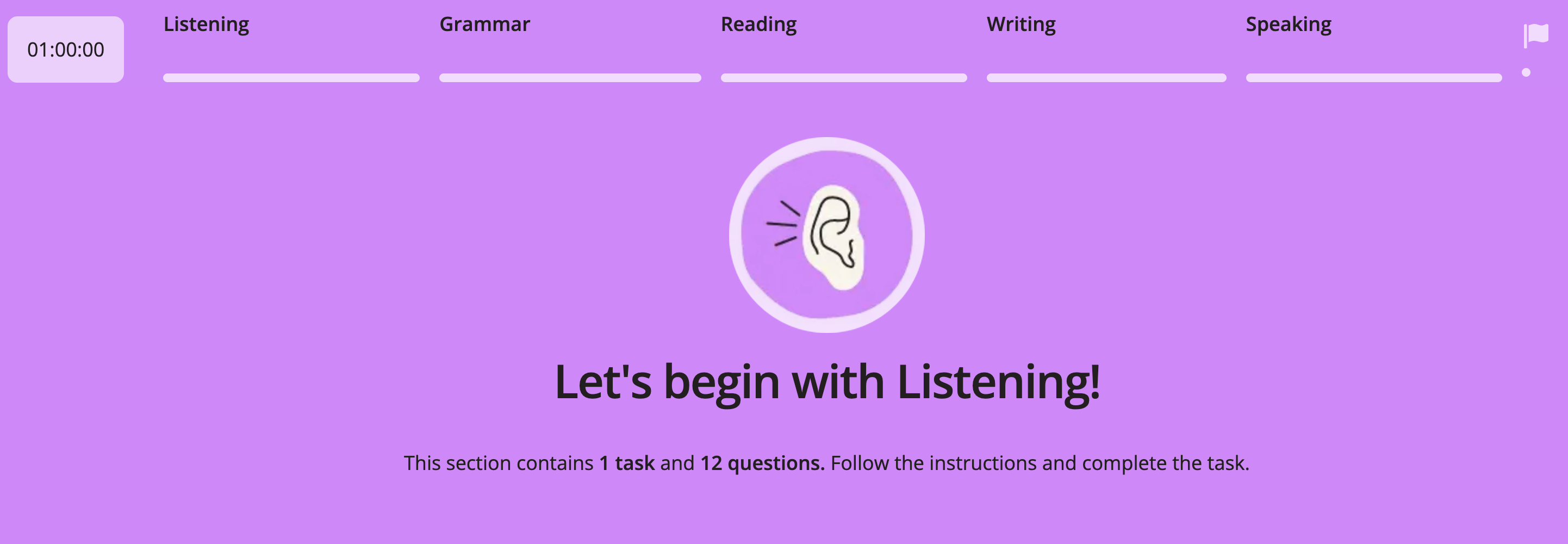
This unlocks more robust assessments, including true 4-skills placement tests and Ellii Bot assistance to grade them. Because of this, students will now see a message at the end of an assessment letting them know their score is being processed and will be available shortly.
Round buttons roll into town
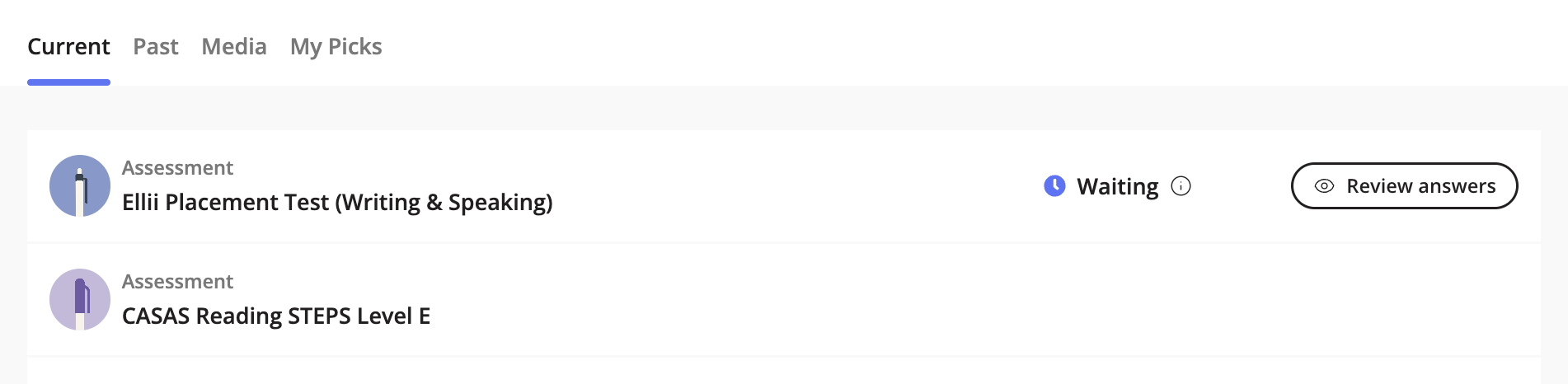
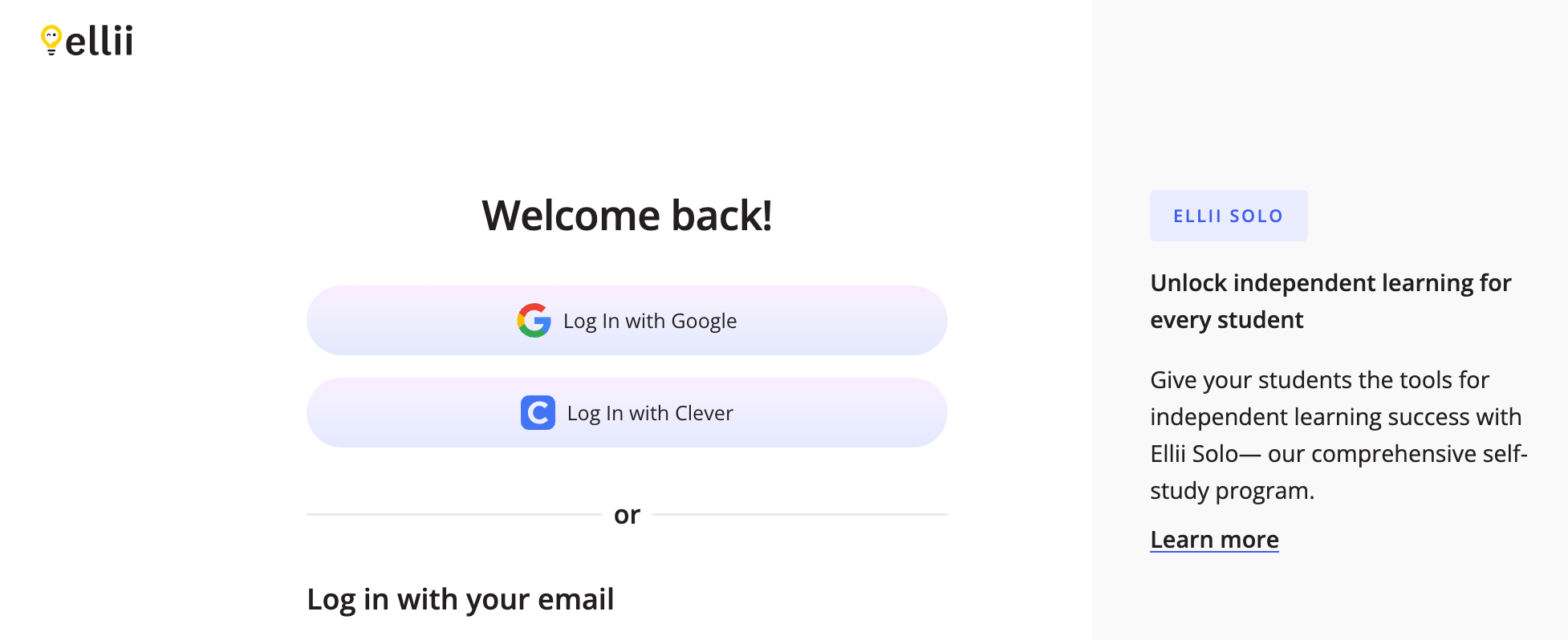
The interface just got smoother. Round buttons have officially arrived, and some of them are now sporting fresh color gradients for a more modern look.
It might look like a small visual tweak, but a lot of work went into it behind the scenes.
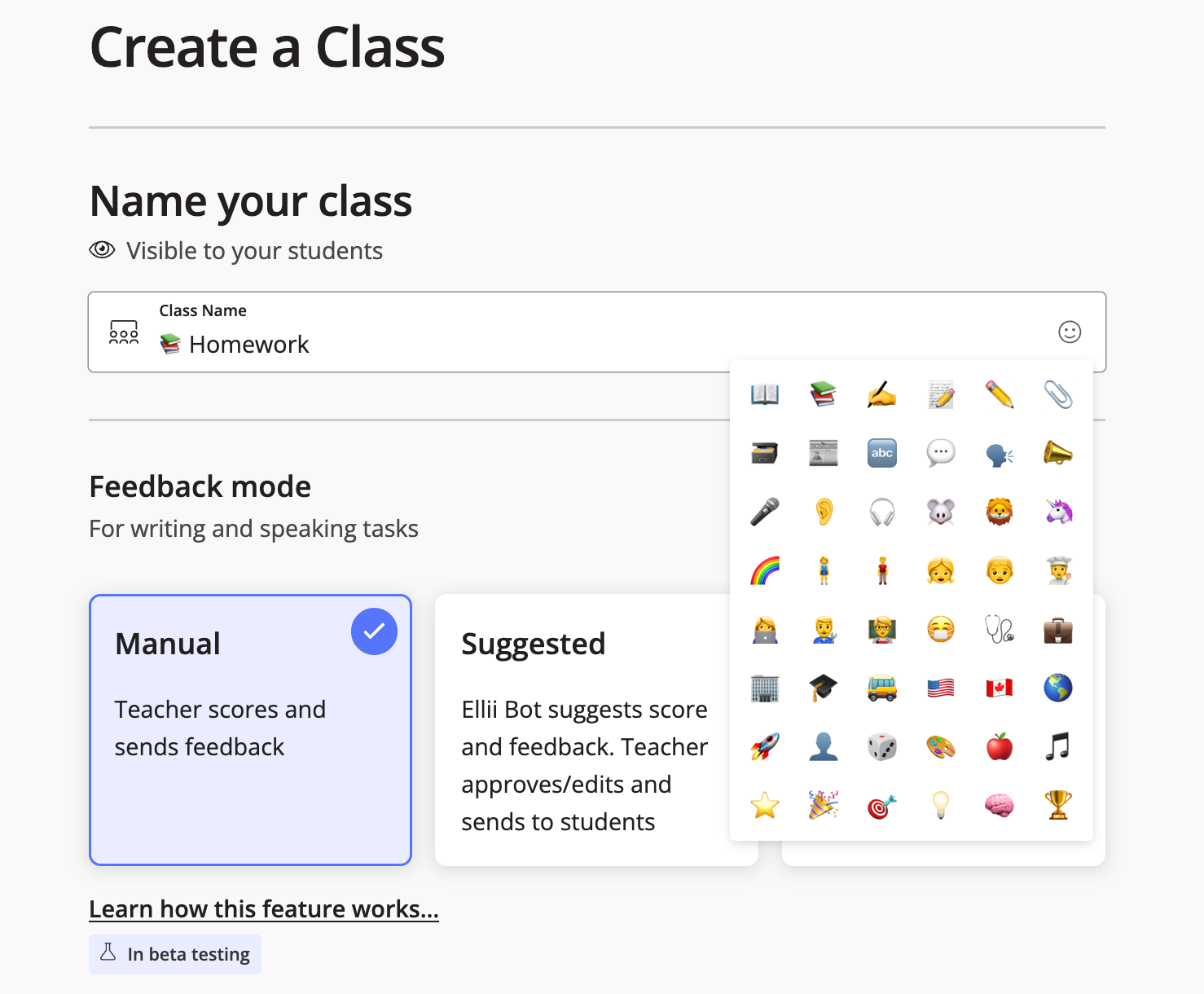
Teacher hack inspires new emoji class feature
We noticed a teacher manually adding emoji to their class names and thought, That’s actually pretty cool...why not make it a feature?
Now teachers can pick an emoji for their class name directly from a selector, adding a bit of personality (and easier visual scanning) to the class list.
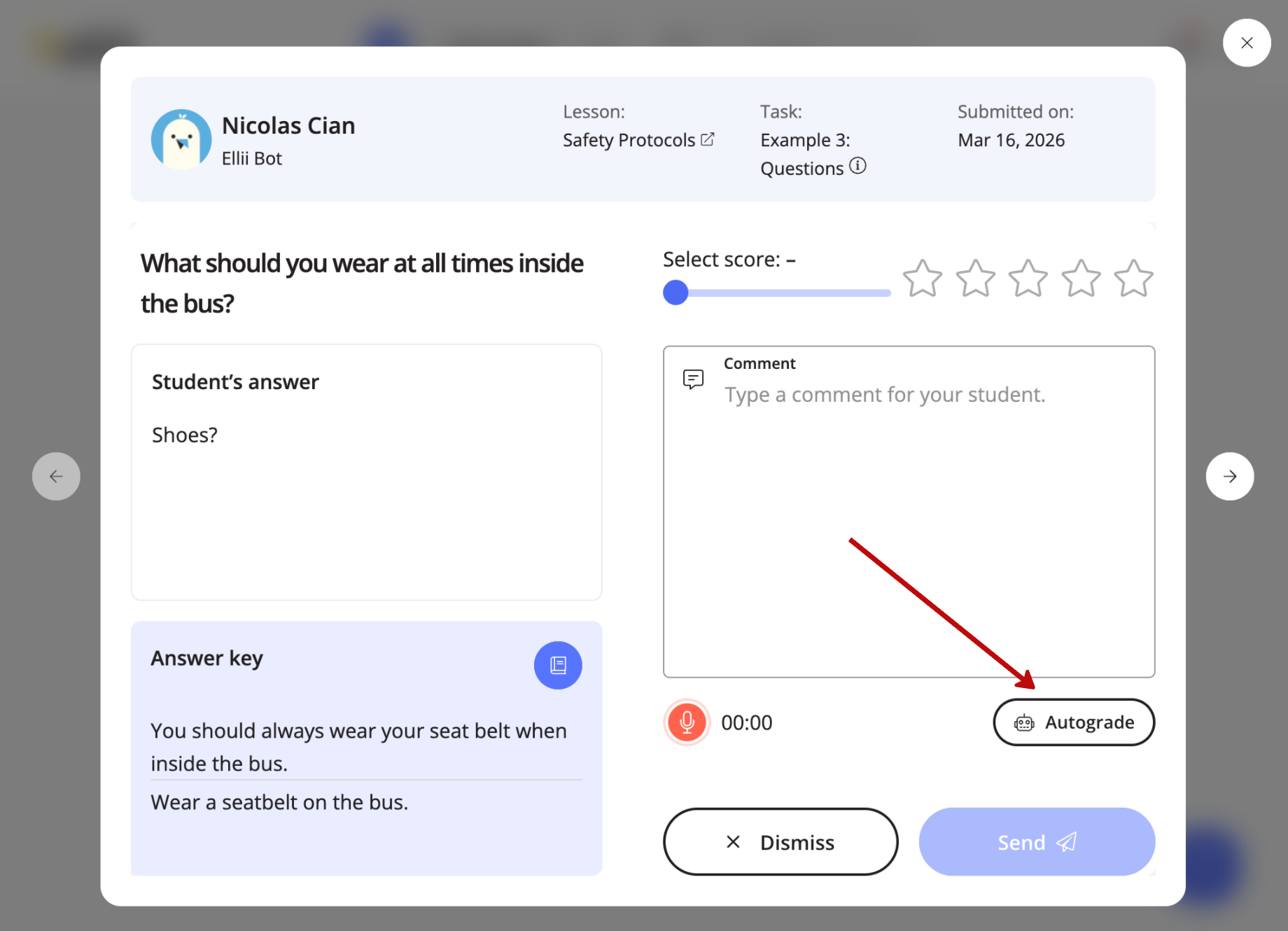
Ellii Bot now takes scoring requests
Ever had your class set to manual grading and then realized you suddenly had a mountain of responses to score?
Ellii Bot autoscoring can now be run on demand as a one-off job!
So even if your class settings are set to manual grading (or you forgot to change them), you now have the option to let the bot step in and help.
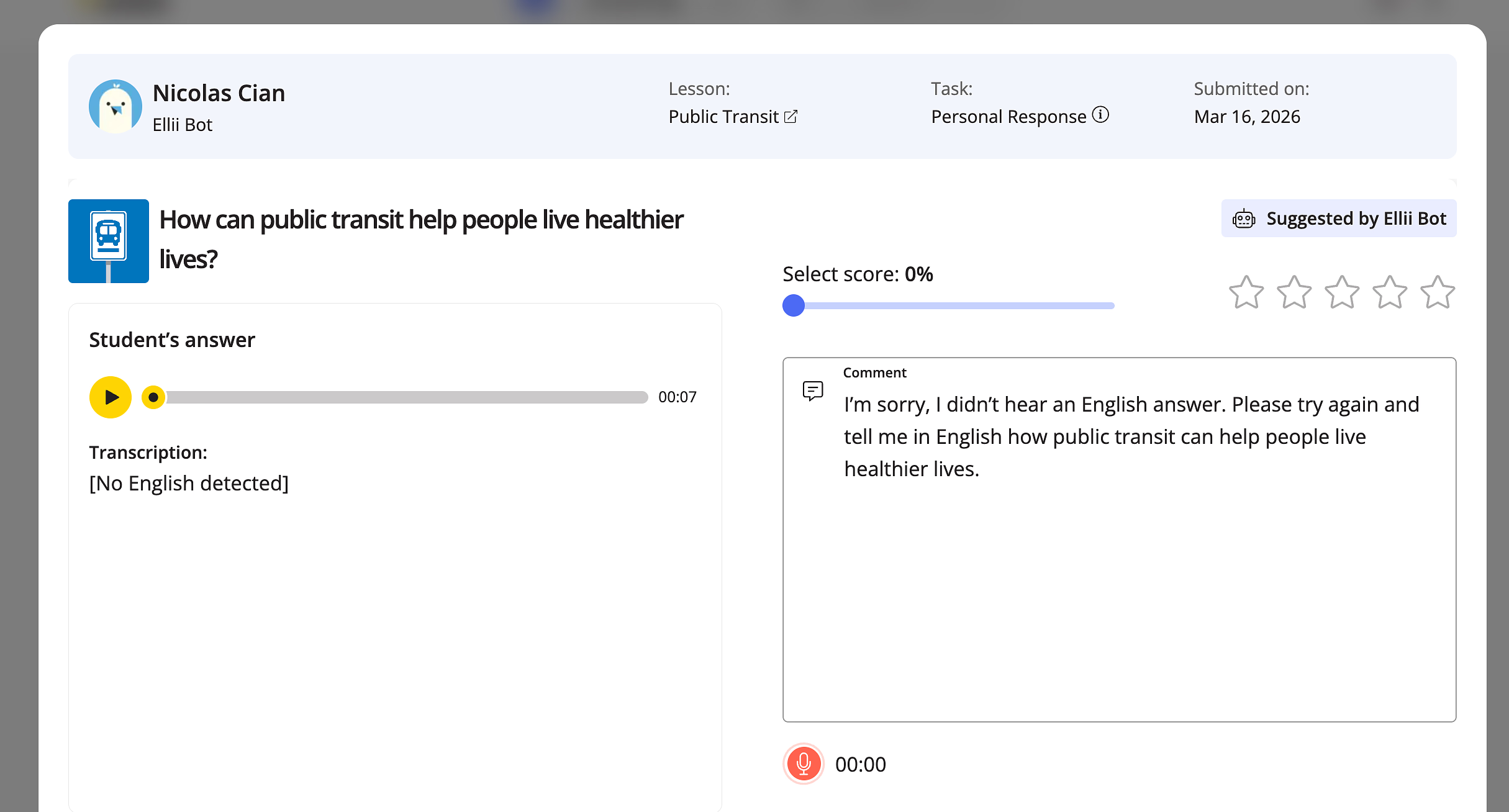
Bot declares: English-only for speaking tasks
Ellii Bot is tightening the rules on speaking activities. Responses must now be in English, ensuring more accurate feedback and scoring for speaking practice.
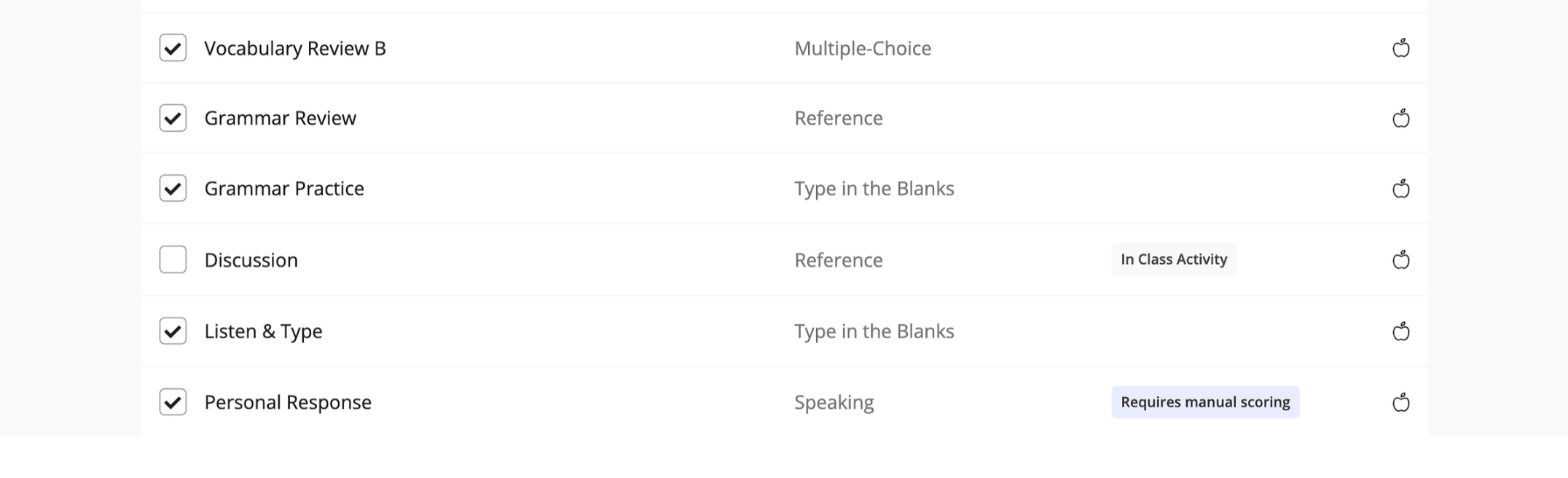
Homework confusion avoided with in-class tasks skipped
Some lesson tasks are really meant to be done live in the classroom, not assigned for homework.
Now pair or group tasks like warm-ups, discussions, and role-plays are skipped by default when assigning lessons. Teachers can still add them back into the assignment if they want.
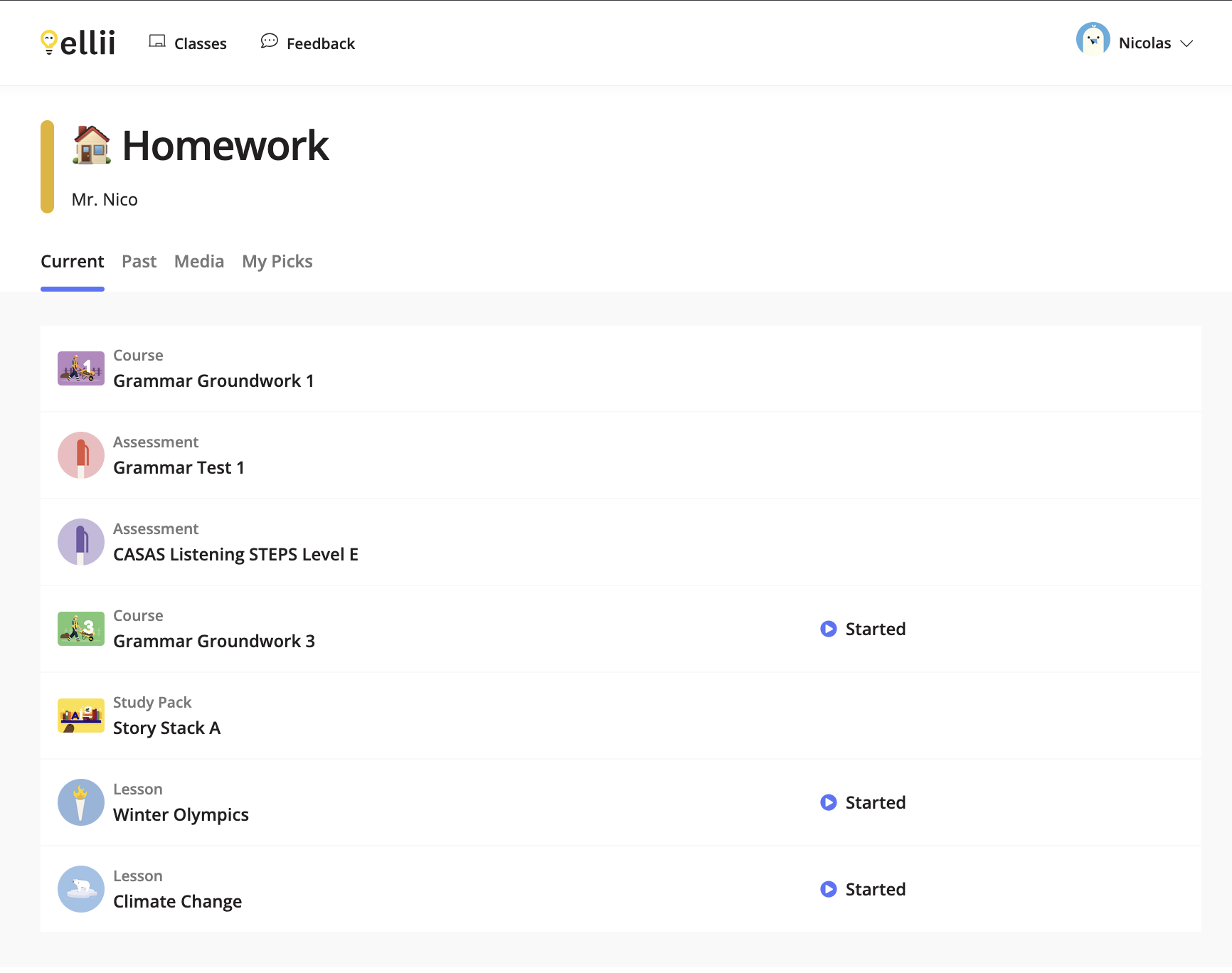
Students get “already started” assignment tracker
Students will now see which assignments they've already started but not finished.
This makes it easier to jump back in and finish the job...hopefully. 😅
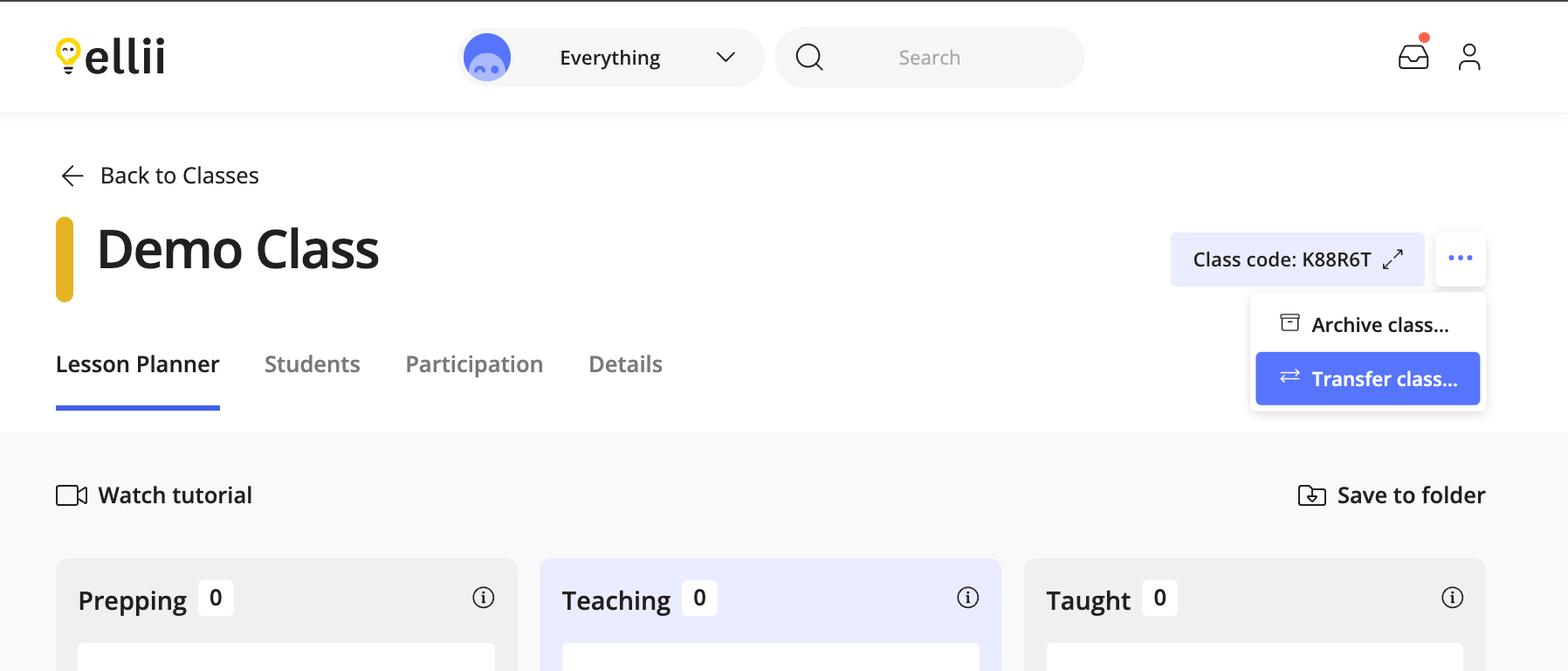
Classes can be easily transferred
Teachers now have a new option when managing their classes—transfer a class to another teacher. When handing off a class to a coworker or dealing with schedule changes, teachers can now move a class without losing its structure or student list.
More platform updates
- Universal Roster now includes students without a class
- Old notifications cleaned up to reduce clutter and improve performance
- Platform performance benefits from smarter notification management
- Performance boost for students' lists, now loading 4X faster!
A big thank-you to the entire Product team and everyone involved in the discussions that helped shape these updates, including teachers! Your ideas, feedback, and collaboration make improvements like these possible.
Comments


There are no comments on this post. Start the conversation!